

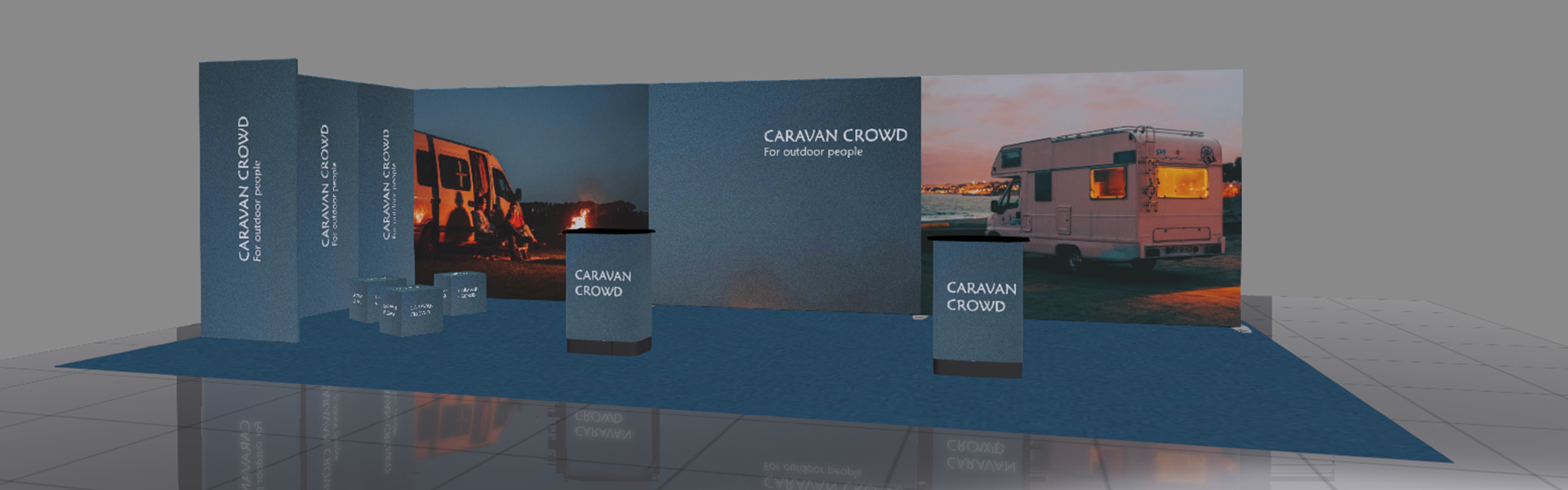

Visualise the stand. Get the buy-in.
An easy-to-use tool that helps everyone understand the solution — and approve it sooner.

How to get started: Three steps to your first design

  1. Request access
    Tell us who you are and how you'll use the tool. We'll set up your login, usually within one business day.

     
  2. Download & sign in
    Install the Windows or macOS app and sign in with the credentials we send you.
     
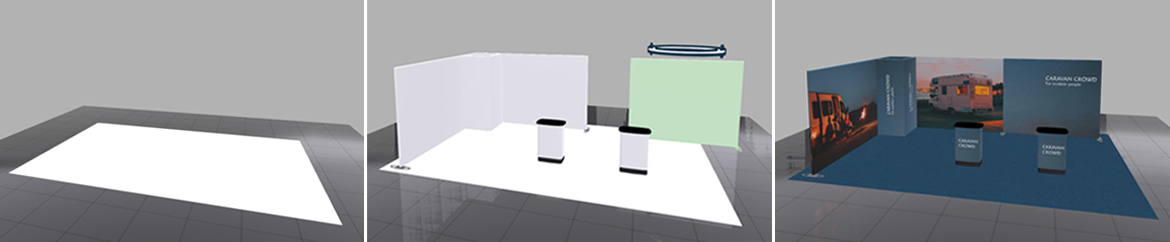
  3. Design, brand, share
    Build your stand, apply your branding, and share a rendered 3D preview with your client.
Request Access

Get your Expand Design Tool login
Free for Expand resellers. We set up each account manually so we can give you the right product library — and a person to talk to when you need one.

Free to use
No licence fee, no per-seat charge

Set up within one business day
You'll receive your login by email

Demo & training on request
Ask below and your sales contact will book a walkthrough

Just fill in the form below to request your acess.
Fields marked * are required.