

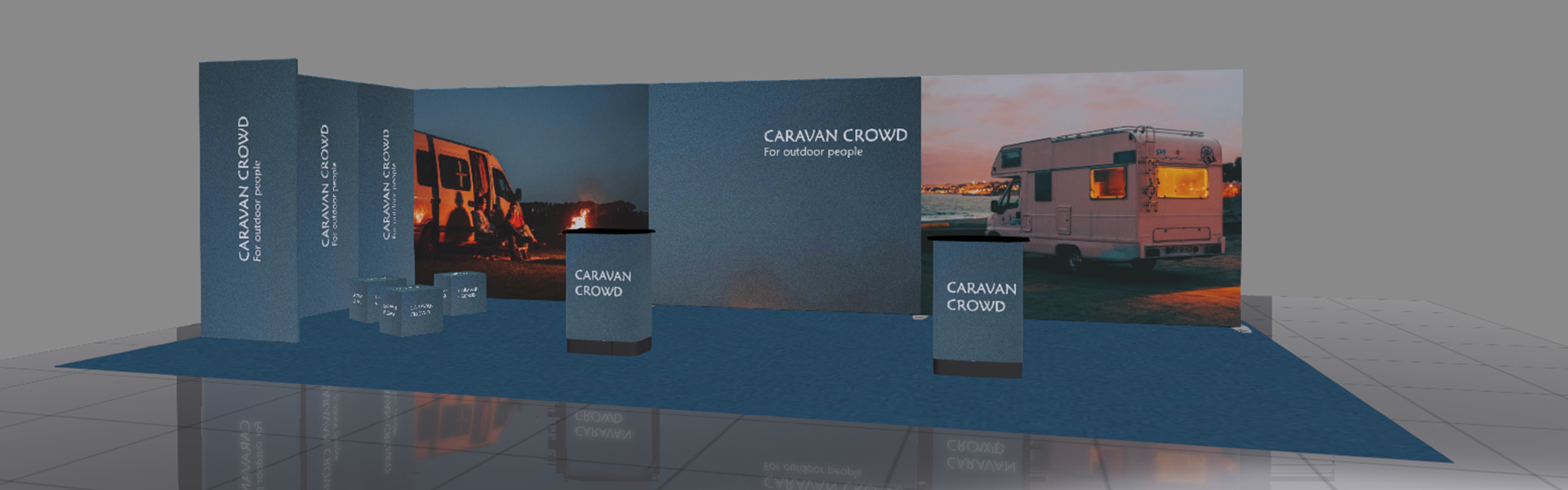

- Plan and pitch with the Expand 3D DesignTool
Plan and pitch with the Expand 3D DesignTool
Everything you need to put a complete stand together and show it to your client — before a single component is ordered.
Request access to our easy-to-use design tool that helps everyone understand the solution — and approve it sooner.
Why use it
- Full product library
Drag in real Expand products — stands, counters, lightboxes, flags — at true scale and dimension.
- Your own branding
Upload a client's graphics and preview them applied across every surface, instantly.
- Render & share
Produce a realistic 3D preview to send or present, in minutes rather than days.
How to get started: Three easy steps to your first design
01 Request access
Contact or e-mail us who you are and how you'll use the tool. We'll set up your login, usually within one business day.

02 Download & sign in
Install the Windows or MacOS app and sign in with the credentials we send you.
03 Design, brand, share
Build your stand, apply your branding, and share a rendered 3D preview with your client.
Get your Expand 3D DesignTool login
Free for Expand resellers. We set up each account manually so we can give you the right product library — and a person to talk to when you need one.
Free to use
No licence fee, no per-seat charge
Set up within one business day
You'll receive your login by email
Demo & training on request
Ask below and your sales contact will book a walkthrough
Just get in contact or send us an e-mail to request your access.
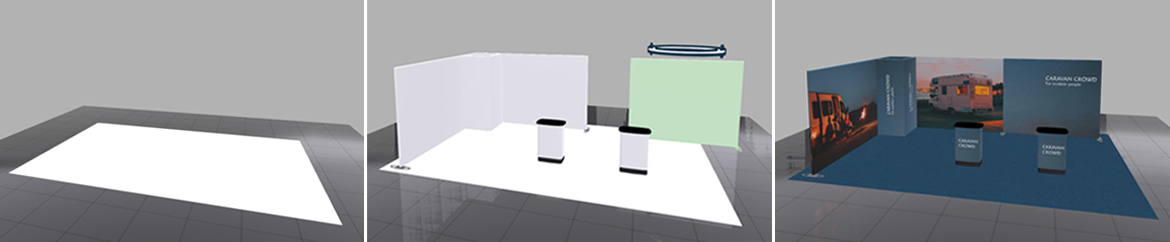
See the Expand 3D DesignTool in action
From empty floor to finished stand.
Download for your platform
Native apps for Windows and MacOS. Free for Expand resellers.
New to the Expand 3D DesignTool? Read the installation guide (PDF).

